Project Management & Organization: Mastering the Freelance Workflow
Freelancing demands exceptional organizational skills. Juggling multiple projects, deadlines, and client communications requires a robust project management system. Failure to manage these effectively leads to missed deadlines, unhappy clients, and ultimately, a damaged reputation.
-
Trello: A visually intuitive Kanban-style board. Trello’s strength lies in its simplicity and flexibility. Create boards for each client or project, then use lists to represent stages like “To Do,” “In Progress,” “Awaiting Feedback,” and “Completed.” Cards represent individual tasks, allowing you to add detailed descriptions, checklists, attachments, due dates, and assign team members (if you collaborate). Power-Ups (integrations) extend Trello’s functionality, connecting it to other tools like Google Drive, Slack, and calendar apps. Advanced users can leverage Trello’s automation features (Butler) for repetitive tasks, streamlining workflows. Trello’s free tier is generous for individual freelancers.
-
Asana: A more comprehensive project management platform, ideal for complex projects and collaborative teams. Asana offers multiple views: List, Board (Kanban), Calendar, and Timeline (Gantt chart). This allows you to visualize projects from different perspectives, depending on your preference. Asana’s strength is its robust features, including task dependencies, custom fields, portfolio management, and reporting. The paid versions offer more advanced features like workload management and goal tracking. Asana integrates seamlessly with other tools like Google Workspace, Microsoft Teams, and Zapier. Use Asana to manage your marketing efforts, product development, client onboarding, and more.
-
ClickUp: An all-in-one productivity platform vying to replace multiple tools. ClickUp boasts an impressive feature set, including project management, task management, time tracking, document management, goal tracking, and CRM capabilities. The platform is highly customizable, allowing you to tailor workspaces, views, and notifications to your specific needs. While ClickUp’s abundance of features can be overwhelming for beginners, its flexibility makes it a powerful tool for freelancers who need a comprehensive solution. Key features include customizable dashboards, Gantt charts, mind maps, and advanced reporting. ClickUp integrates with popular tools like Slack, Google Calendar, and Zoom.
-
Notion: More than just a project management tool, Notion is a versatile workspace for note-taking, document creation, knowledge management, and project planning. Notion’s block-based architecture allows you to create custom layouts and workflows. Use Notion to build wikis, create project databases, manage client information, and track your progress. Notion’s strength lies in its flexibility; it’s a blank canvas for building your ideal productivity system. Templates are readily available for various use cases, making it easier to get started. Notion’s free tier is sufficient for most individual freelancers. The paid versions offer more storage and collaboration features.
Time Tracking & Invoicing: Efficiently Managing Billable Hours
Accurate time tracking and streamlined invoicing are crucial for freelancers to get paid fairly and manage their finances effectively. Using manual methods can lead to errors, lost billable hours, and payment delays.
-
Toggl Track: A simple and intuitive time tracking tool. Toggl Track offers web, desktop, and mobile apps, allowing you to track time from anywhere. Start and stop timers with a single click, assign time entries to projects and clients, and add descriptions. Toggl Track generates detailed reports, showing you where your time is spent. The platform also integrates with project management tools like Trello, Asana, and ClickUp, streamlining your workflow. Toggl Track’s free plan is suitable for individuals. Paid plans offer more advanced features like billable rates, project budgeting, and team management.
-
Harvest: A time tracking and invoicing platform designed specifically for freelancers and small businesses. Harvest seamlessly integrates time tracking, invoicing, and expense tracking into a single system. Track time manually or automatically, create professional invoices, send payment reminders, and accept online payments. Harvest also offers project budgeting and reporting features, helping you stay on top of your finances. Harvest integrates with QuickBooks Online and Xero, simplifying accounting.
-
FreshBooks: Cloud accounting software tailored for freelancers and small businesses. FreshBooks focuses on simplifying invoicing, expense tracking, and accounting tasks. Create professional-looking invoices with customizable templates, track time and expenses, manage client payments, and generate financial reports. FreshBooks also offers project management features, allowing you to track project progress and collaborate with clients. FreshBooks integrates with popular payment gateways like Stripe and PayPal.
Communication & Collaboration: Fostering Strong Client Relationships
Effective communication and collaboration are vital for building strong client relationships and ensuring project success. Choose tools that facilitate clear and efficient communication, project updates, and feedback sharing.
-
Slack: A popular messaging platform for team communication and collaboration. Create channels for different clients, projects, or topics, and communicate with team members and clients in real-time. Slack supports file sharing, voice and video calls, and integrations with other tools like Google Drive, Trello, and Zoom. Slack’s free plan is suitable for small teams. Paid plans offer more storage, guest accounts, and advanced features.
-
Zoom: A leading video conferencing platform for virtual meetings, presentations, and webinars. Zoom offers high-quality audio and video, screen sharing, recording capabilities, and virtual backgrounds. Use Zoom for client meetings, project updates, team collaborations, and online training sessions. Zoom integrates with calendar apps like Google Calendar and Outlook, making it easy to schedule meetings.
-
Google Workspace (formerly G Suite): A suite of online productivity tools, including Gmail, Google Drive, Google Docs, Google Sheets, and Google Slides. Google Workspace provides a comprehensive platform for email communication, document creation, file sharing, and online collaboration. Google Drive allows you to store and share files securely in the cloud. Google Docs, Sheets, and Slides enable real-time collaboration on documents, spreadsheets, and presentations.
Content Creation & Design: Producing High-Quality Deliverables
Freelancers in content creation and design require tools that facilitate efficient content production, professional design, and effective communication.
-
Canva: An intuitive graphic design platform for creating social media graphics, presentations, marketing materials, and more. Canva offers a wide range of templates, design elements, and fonts, making it easy to create professional-looking designs without extensive design skills. Canva’s drag-and-drop interface is user-friendly and accessible to beginners.
-
Grammarly: An AI-powered writing assistant that helps you improve your grammar, spelling, punctuation, and writing style. Grammarly integrates with various platforms, including web browsers, word processors, and email clients. Use Grammarly to ensure your writing is clear, concise, and error-free.
-
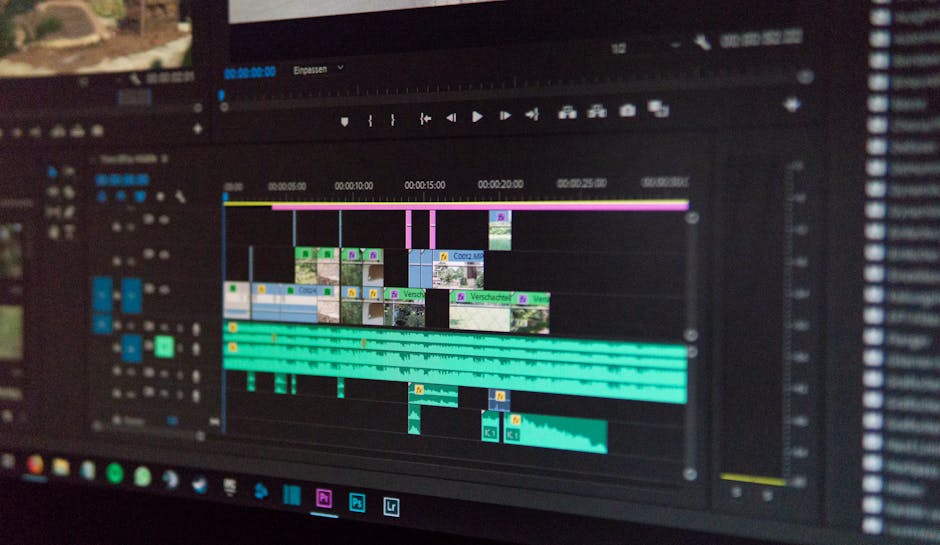
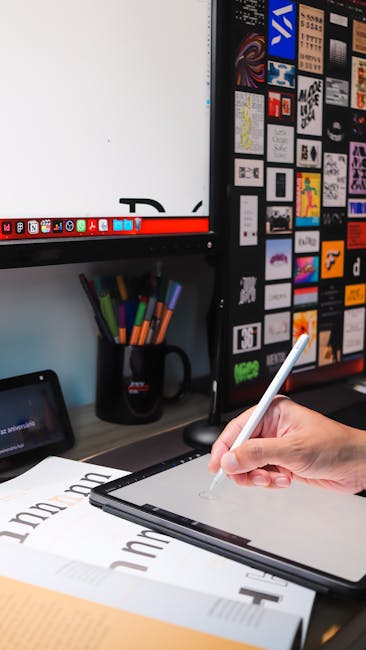
Adobe Creative Cloud (Photoshop, Illustrator, InDesign): Industry-standard software for graphic design, photo editing, and video editing. Adobe Creative Cloud offers a suite of powerful tools for creating professional-quality visuals. Photoshop is used for photo editing and image manipulation. Illustrator is used for creating vector graphics and illustrations. InDesign is used for layout design and publishing. These tools require a subscription.
-
Hemingway Editor: A web-based writing tool that helps you simplify your writing. Hemingway Editor highlights complex sentences, adverbs, and passive voice, encouraging you to write more clearly and concisely. Paste your text into Hemingway Editor to identify areas for improvement.
Automation & Efficiency: Maximizing Productivity with Streamlined Processes
Automating repetitive tasks and streamlining workflows can significantly increase productivity and free up time for more important activities.
-
Zapier: A web automation tool that connects different apps and automates tasks between them. Zapier allows you to create “Zaps,” which are automated workflows that trigger actions in one app based on events in another app. For example, you can create a Zap that automatically adds new leads from a contact form to your CRM or sends a notification to Slack when a new task is created in your project management tool.
-
IFTTT (If This Then That): Another web automation tool similar to Zapier. IFTTT allows you to create “Applets,” which are automated workflows that connect different apps and devices. IFTTT is particularly useful for automating tasks related to social media, smart home devices, and personal productivity.
The right tools can significantly enhance a freelancer’s productivity and ultimately, their success. The key is to identify the tools that best fit your individual needs and workflows.